 KasaTool
Choose your next step
DIY it with guidance, Find a Pro and message one recommended business, or Get Bids from up to 5 qualified Pros—your call.
How KasaTool works
Two sides of the same property, moving in step—a clear path for the homeowner, and a real working system for the Pro on the other end.
For homeowners
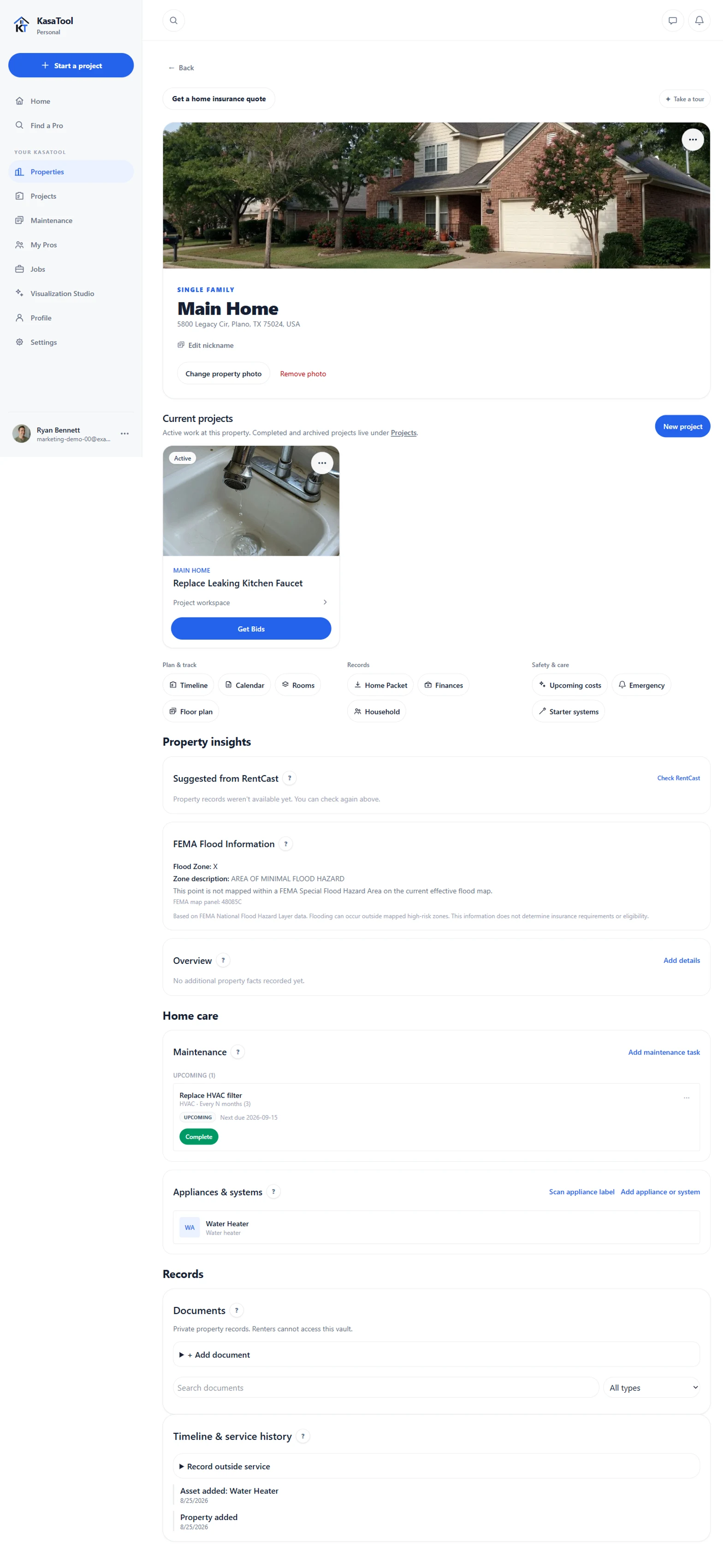
Create a property record with the address, details, and photo worth keeping—the foundation everything else connects to.
Track maintenance, appliances and systems, documents, and service history in one place instead of scattered folders and receipts.
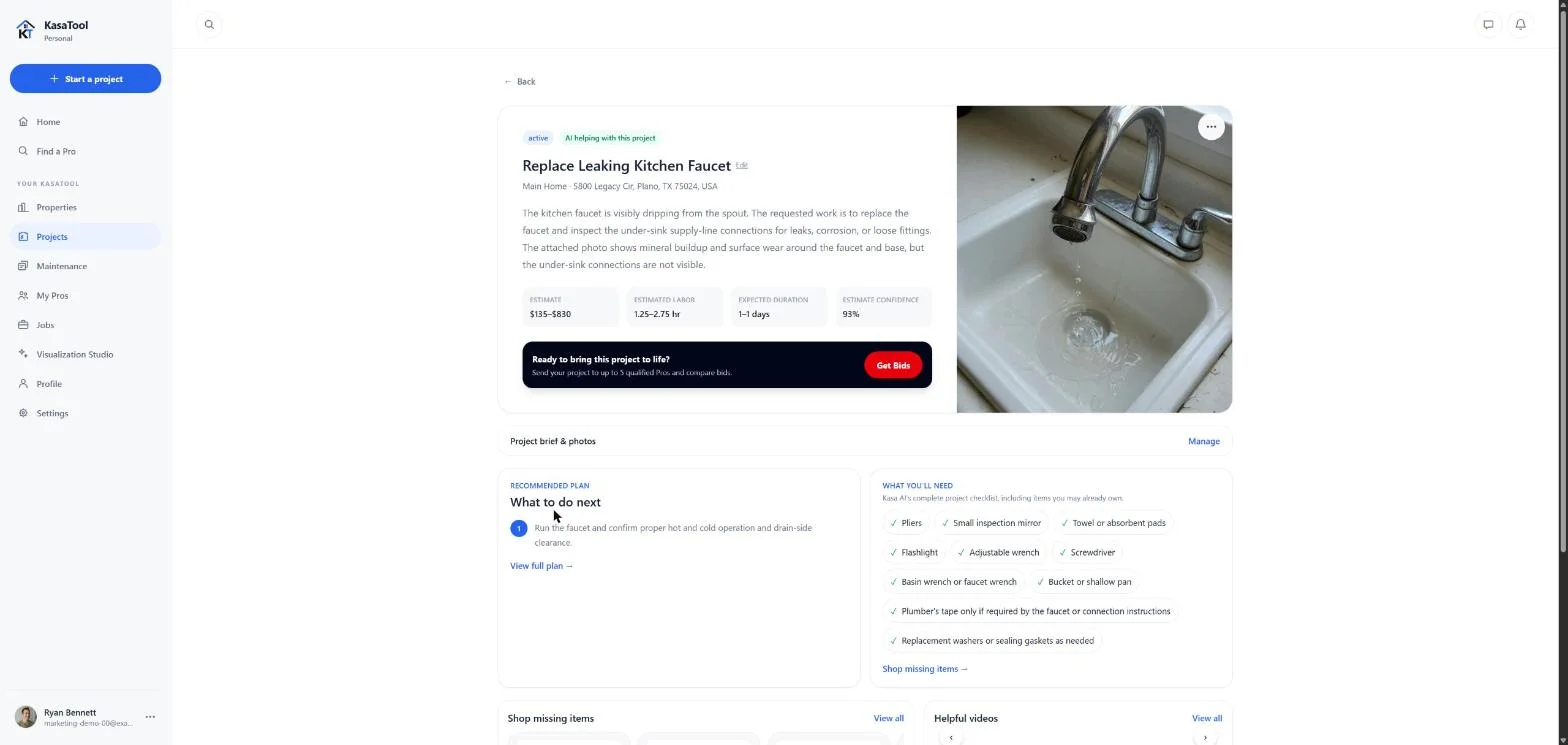
Upload a photo or describe the issue in your own words—no form to fill out first.
KasaTool's AI Core reviews the details and gives a preliminary, always-labeled-preliminary read on scope and likely cost—never a substitute for a real bid.
DIY it with guidance, Find a Pro and message one recommended business, or Get Bids from up to 5 qualified Pros—your call.
Completed work stays part of your property's timeline and service history—so the next question already has context.
For Pros
Add your services, service area, licenses, insurance, and previous work.
Go through a real credential and status review before appearing in Find a Pro, Get Bids, or our Pro directory.
Tell KasaTool exactly what you do and where—it drives every match you're eligible for.
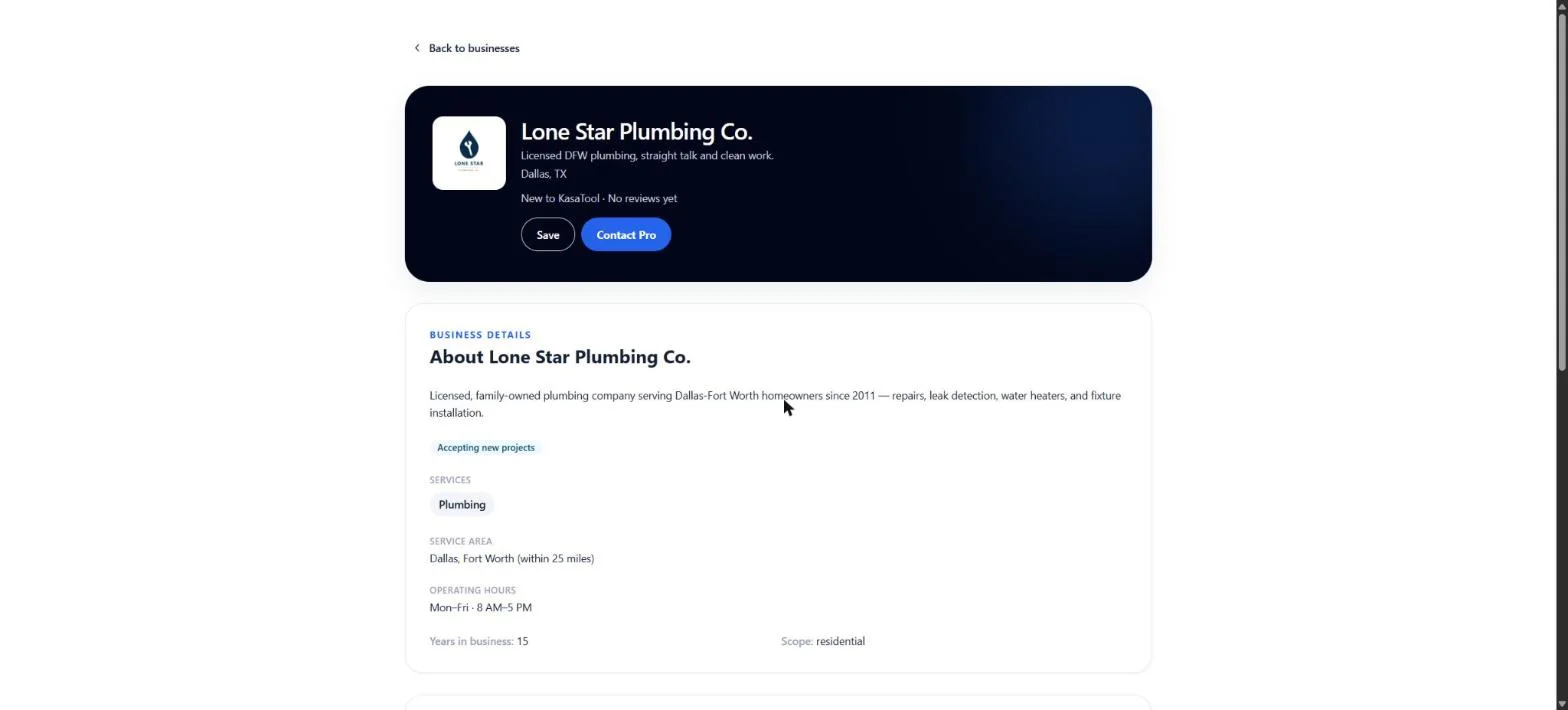
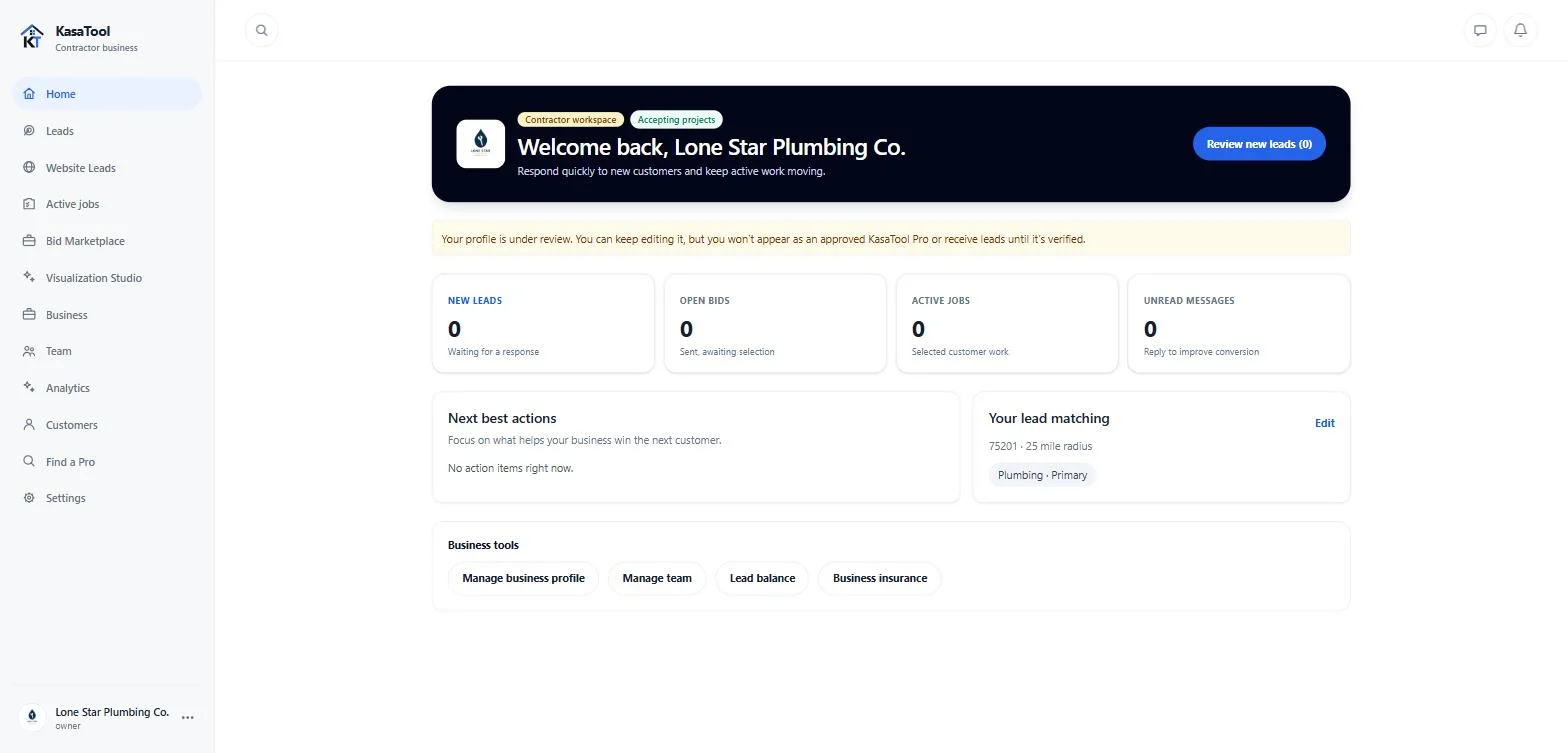
Homeowners find your profile through Find a Pro and Get Bids; matching opportunities land in your dashboard.
Submit a bid on a distributed opportunity, or respond directly when a homeowner chooses you through Find a Pro.
Message homeowners, track active jobs, and manage your team from the same dashboard—no separate inbox or spreadsheet.
Ready when you are